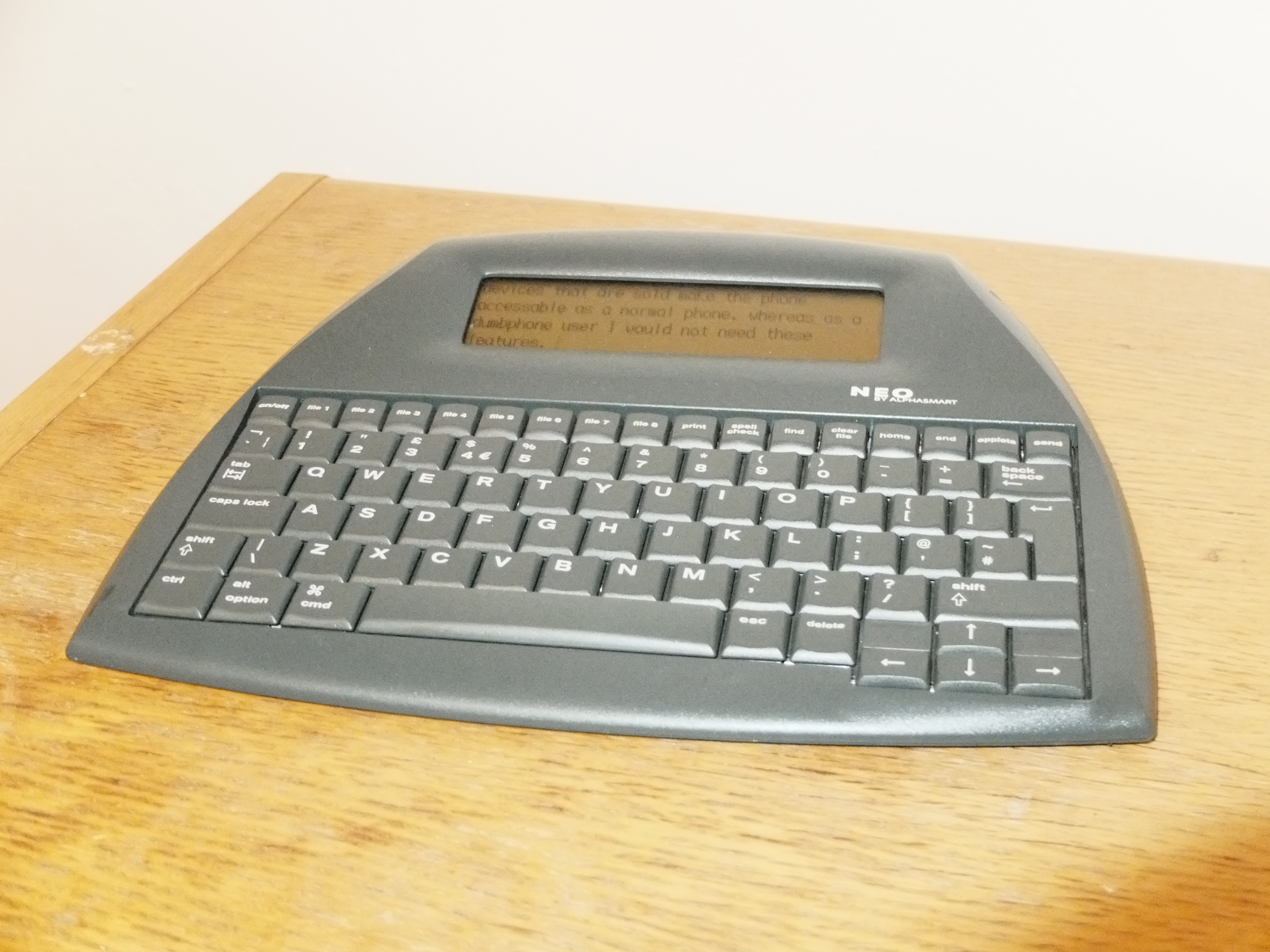
The AlphaSmart Neo is a digital typewriter that was manufactured between 2004 and 2013. Along with the Neo 2, it's the last in a line of products that started with the original AlphaSmart in 1993, with the aim to "deliver affordable, lightweight, rugged portable computing devices that are expandable, easy to use and manage, and provide exceptional battery life" for classrooms. Over three decades later, the Neo still delivers on that promise and offers something newly compelling for most users, myself included: a minimalist, distraction-free writing experience.
Specs:

The AlphaSmart has a full sized keyboard which is satisfying to type on, and even supports a few shortcuts for navigating between, selecting and deleting words and lines at a time.1 The device turns on almost instantly, can be locked with a password2 (though I suspect there's nothing preventing the files being accessed via usb), and the battery lasts for months - I haven't had to change batteries since I got it at the start of the year. It's features are minimal, providing nothing beyond writing txt files, and sending them to your computer.
I've been using the AlphaSmart to write a daily journal. I've started the habit of beginning each day by brain dumping 750 words on it. In the past I've journaled on paper about what happened at the end of each day, partly with the intention of keeping a permanent record of my life. With the AlphaSmart I'm doing the opposite, I'm using it as a tool for self-reflection and try to focus on writing about how I'm feeling, with no intention of looking back on what I wrote. In fact, each morning when I write the next one I overwrite the previous file. I find that because I can type much faster on the Neo than I can write by hand, and because its sole focus is on output, I'm able to get into a kind of flow state where I get down whatever is on my mind. I've found it to be quite therapeutic and a good way to start the day, by becoming intentional about the day ahead. The screen is tiny but that's actually helpful in focussing on writing rather than editing your work, and while the functions are basic you can perform a word count (press CTRL + w) and spellcheck.
In addition to finding brain dump journaling cathartic, it also addresses a pain point I have with regular journaling. When I'm journaling normally, not only do I find myself drawn to writing about factual events in chronological order rather than what I'm feeling, or more open ended trains of thought, I find writing about those things embarrassing when I look back on the journal with other people around and I don't usually let people just leaf through my journals, nor do I write anything I would be really embarrassed for others to see. That's a bit of a shame because the journals are full of good memories involving my friends and family. The brain dump lets me decouple the stuff I want to keep private and get down as an exercise separate from what I want to remember and share. I'm actually planning on trying a different form of documentation this year where I scrapbook with printed photographs I've taken, quotes, stories etc. and maybe print written excerpts from the AlphaSmart.
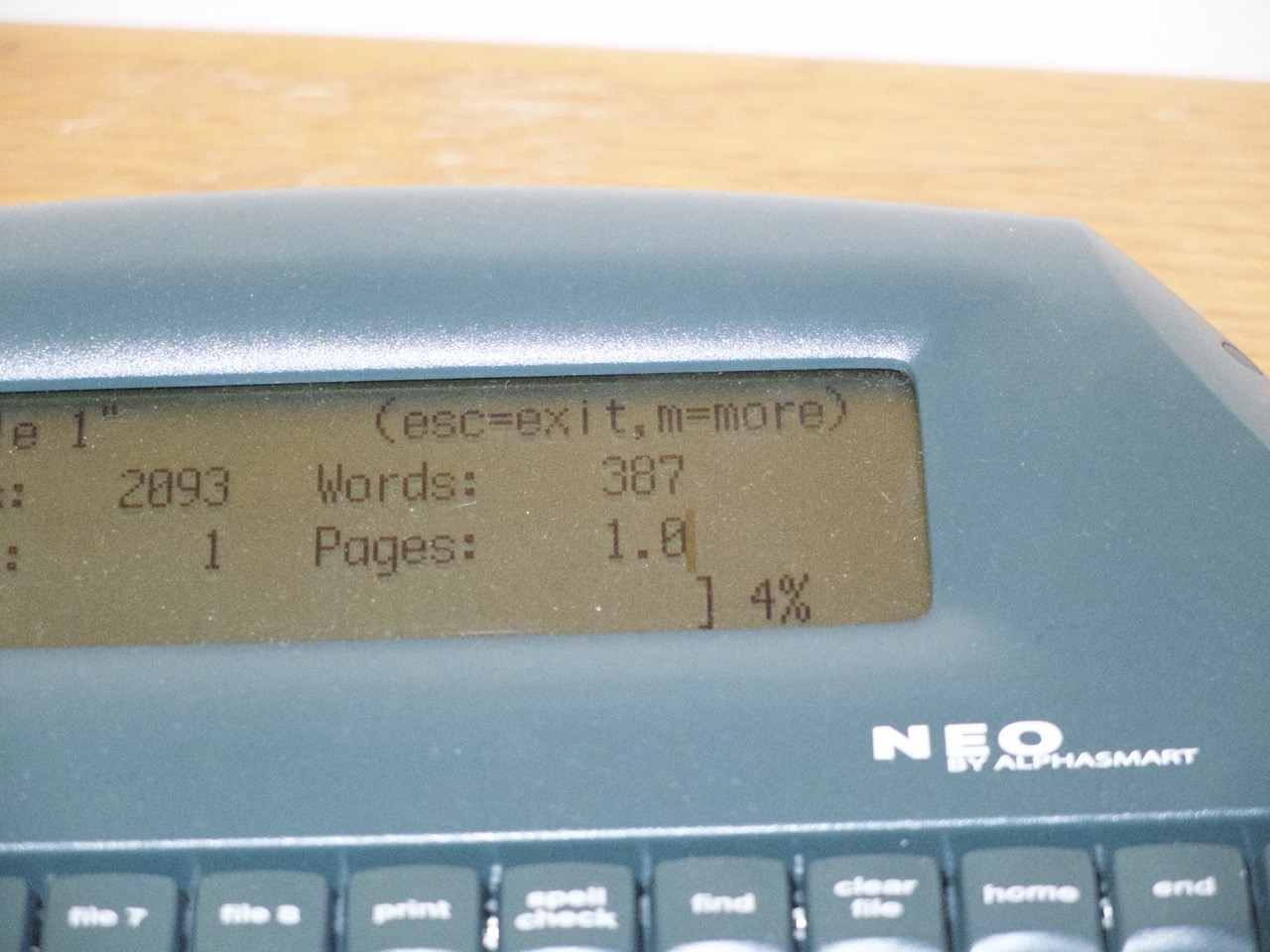
I highly recommend the AlphaSmart to anyone looking for a distraction-free digital typewriter. I bought mine for £70 in good second-hand condition on eBay, which is much cheaper and in my opinion better than the modern alternatives.
Pressing option + left or right arrow will move the cursor one word at a time, command + left or right will move to the beginning or end of the line, and holding down the shift key while doing either of those will select the text as well, which can then be deleted by pressing the backspace key.
You may be asked for the system password, for my device that was "tommy" which is apparently the default, you can then set your own file password.